
We’ve got a small team here that’s feverishly working on ramping up our reporting module ASAP. While we already have email reporting, alerts, events, etc, and a server dashboard that tells you about current backups, licensing, storage utilization, etc- we’re working on one key bit: a single screen that lets you look out for the ‘reds’ and take appropriate action!
I just had a look at the initial designs for this ‘work in progress screen’, and we’re about to decide on one of two. We’ve never been fans of long meetings and most of our decisions are fairly ‘obvious’ or are driven by our customers. So we thought we’d get the ‘wisdom of the crowds’ on this one too…
Which of these designs works better for you ( I won’t get into the details of each); just give us your ‘blink‘ reaction.
Important: These are in no way, finished screens – they’re more like ‘initial drafts’ ; however, they (hopefully) convey the broad ‘idea’…
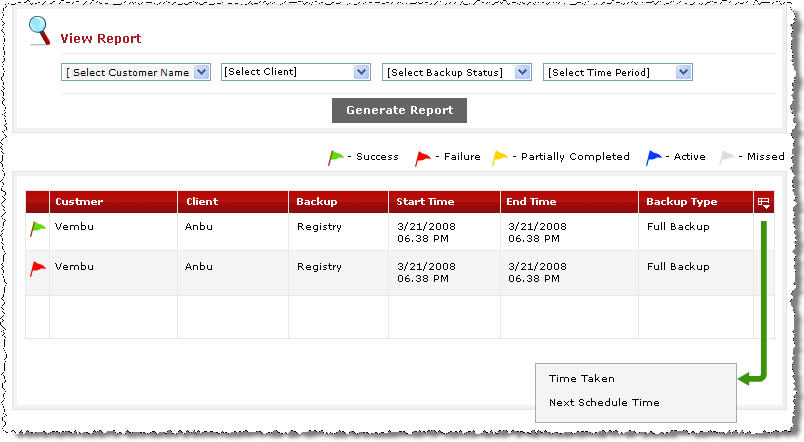
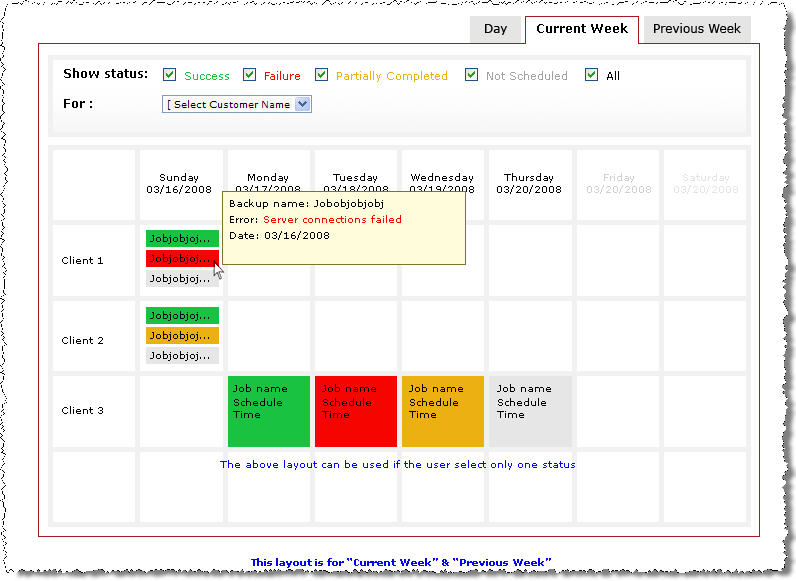
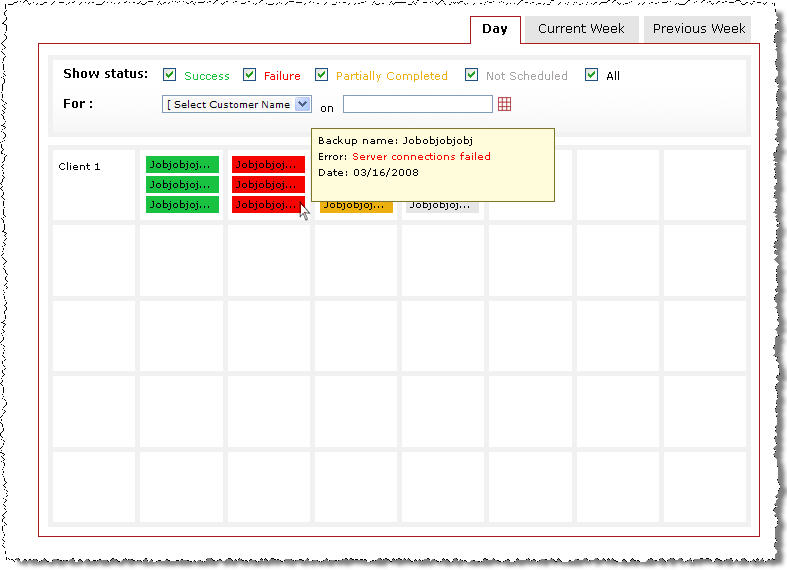
Option 1: The Calendar Option
Screenshot a (for option 1) – in Week view
Screenshot b (again, for option 1) – in Day view
Let me also toss in my 0.02 – I’m with Option 1!
Let us know your view ASAP in the comments.

