Vembu BDR Suite » Vembu Cloud Backup for File & Application » Login to Vembu Client GUI
Login to Vembu Client GUI
Login to OnlineBackup Client Web GUI
- User can login to OnlineBackup web UI via following options:
- By typing default URL: http://localhost:5050 (or)http://<Ip_Address_of_Machine>:5050 in browser
- Via shortcut created on the desktop
- Via OnlineBackup client web console option in the tray icon
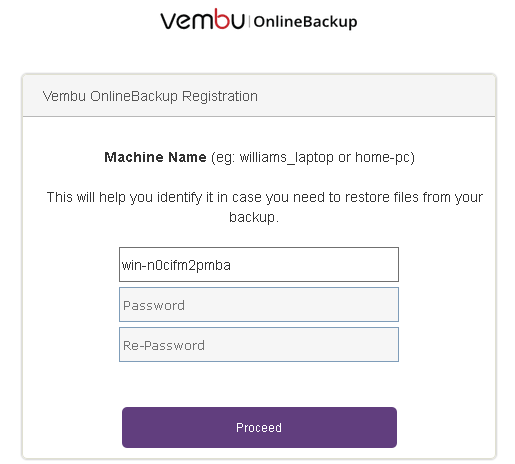
- First login after a fresh OnlineBackup client installation will request users to set a password. Do provide a password and proceed.
- Users who login after a fresh installation will be required to choose the time zone in which they want their backup reports to be generated.
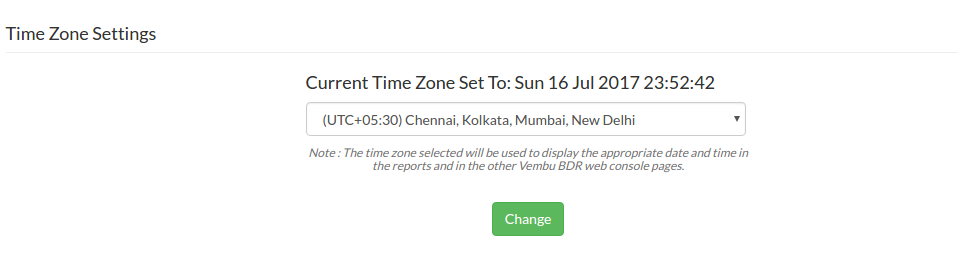
- Once done choosing timezone, users will be redirected to the job listing page. Since it is a fresh installation with nil backup/replication jobs configured, the user will be redirected to configure file backup by default.